Pro‑looking photos.
No skills needed.
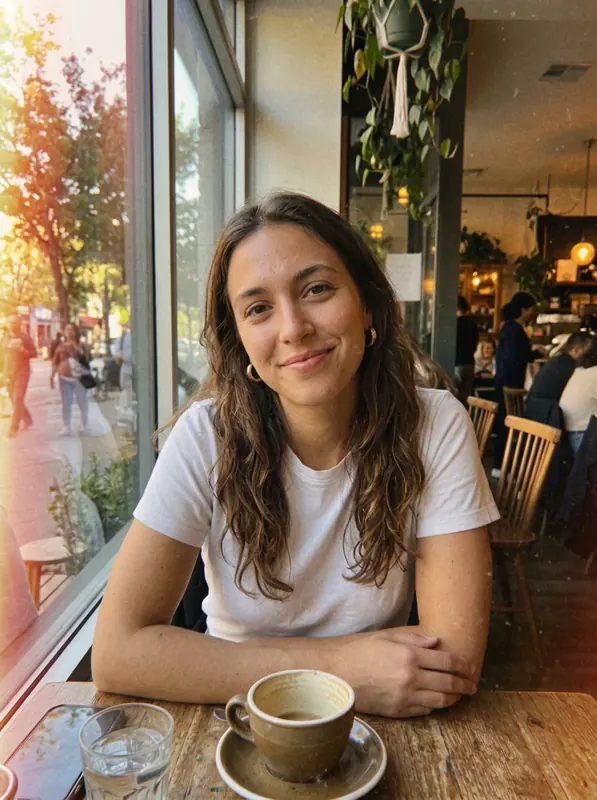
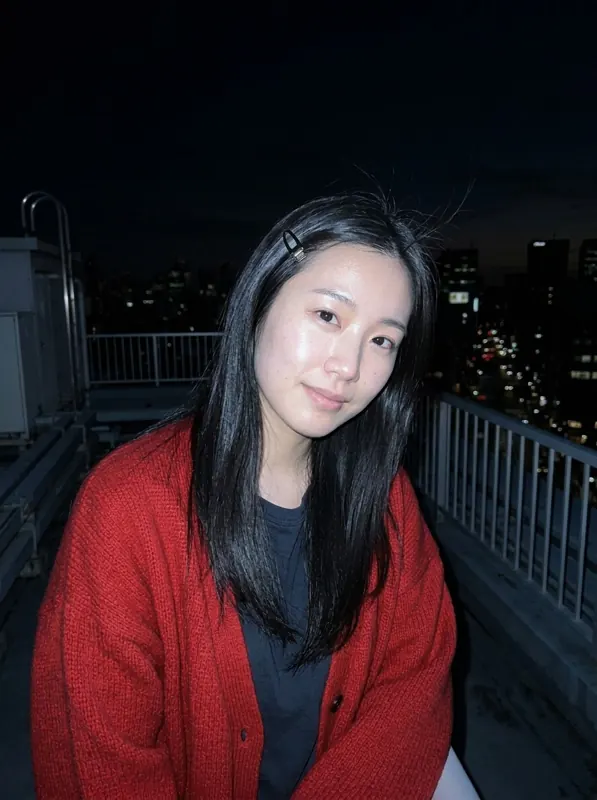
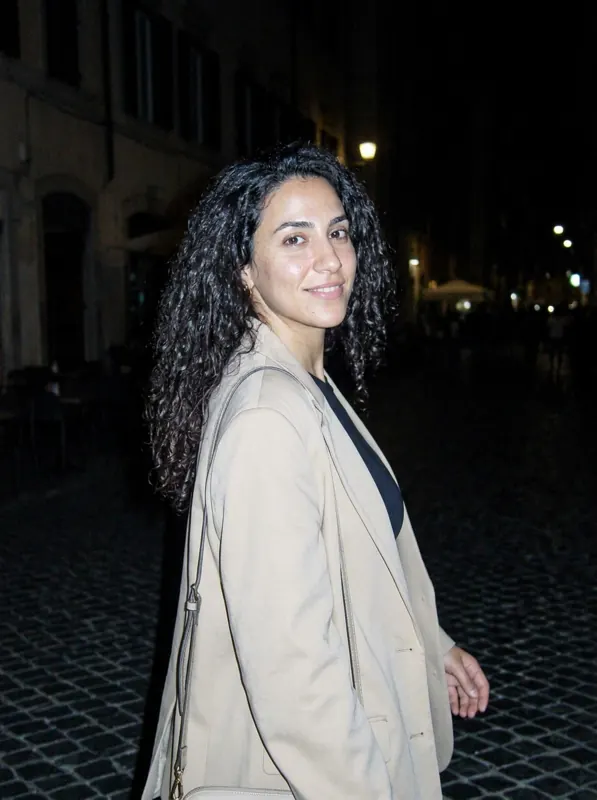
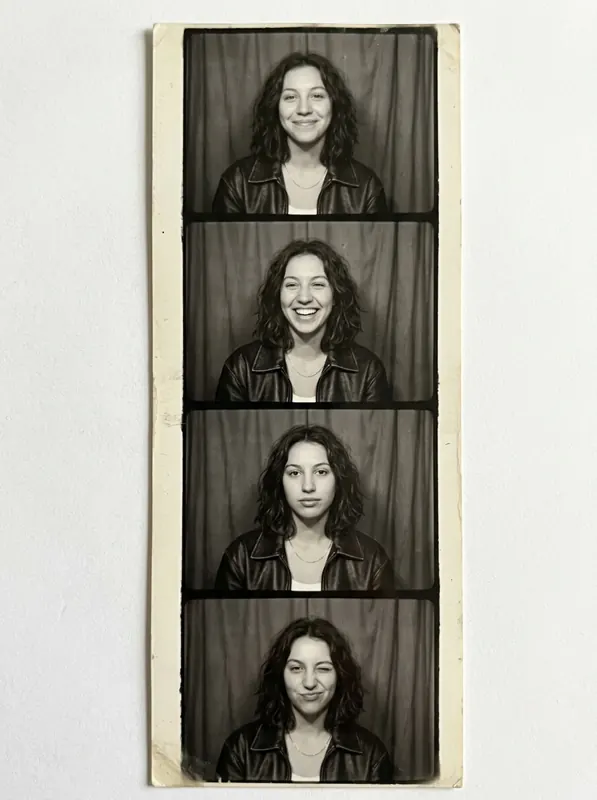
Pick a look, add a selfie, done. No presets, no sliders: night flash, golden hour, warm film or a photo booth strip, and you still look like you.
Ready in seconds · no editing skills needed · no account
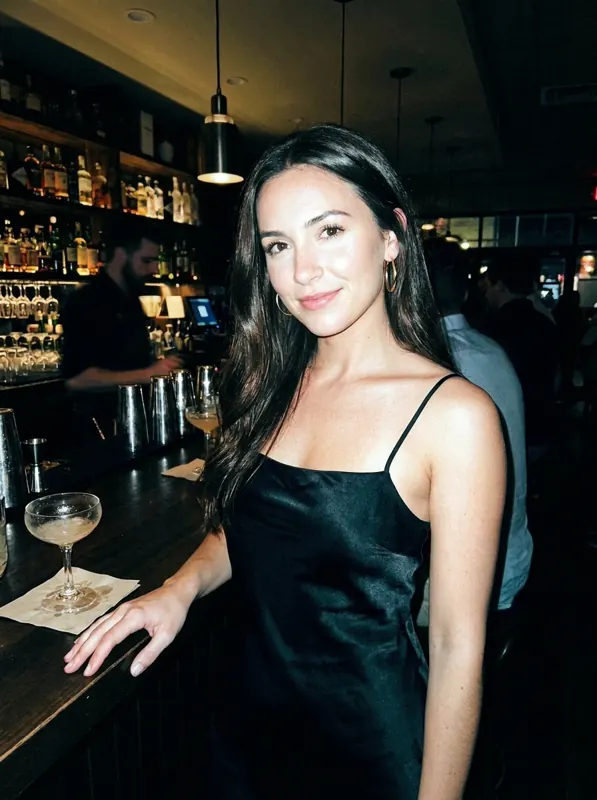
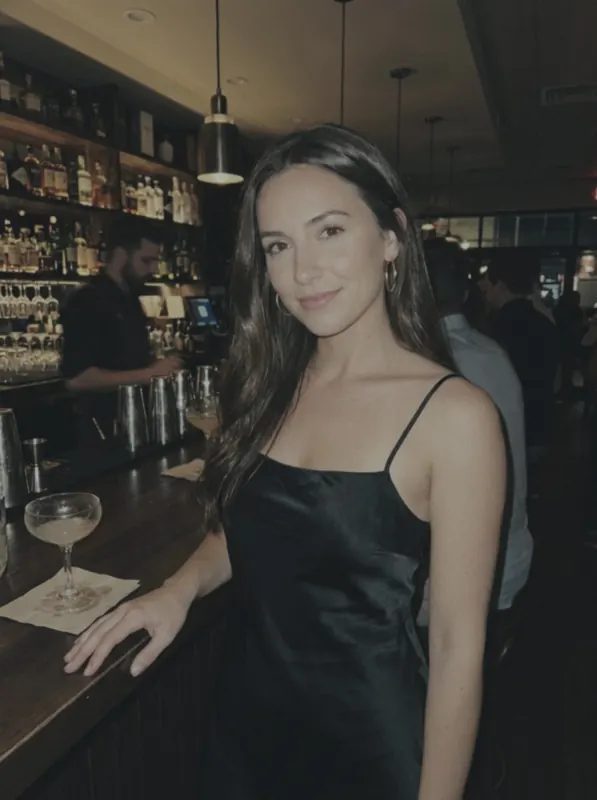
Before. After.
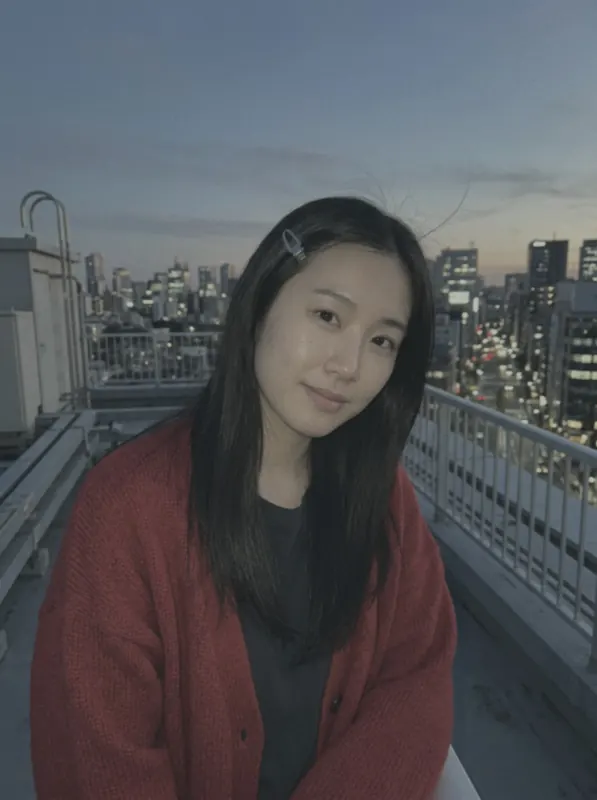
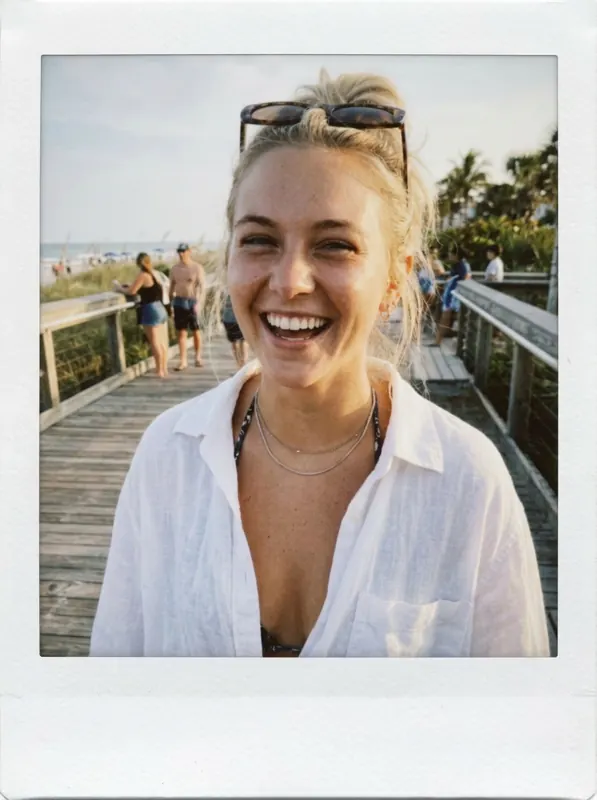
Tap a photo to see the shot it started as. Same girl, same outfit, a very different camera.
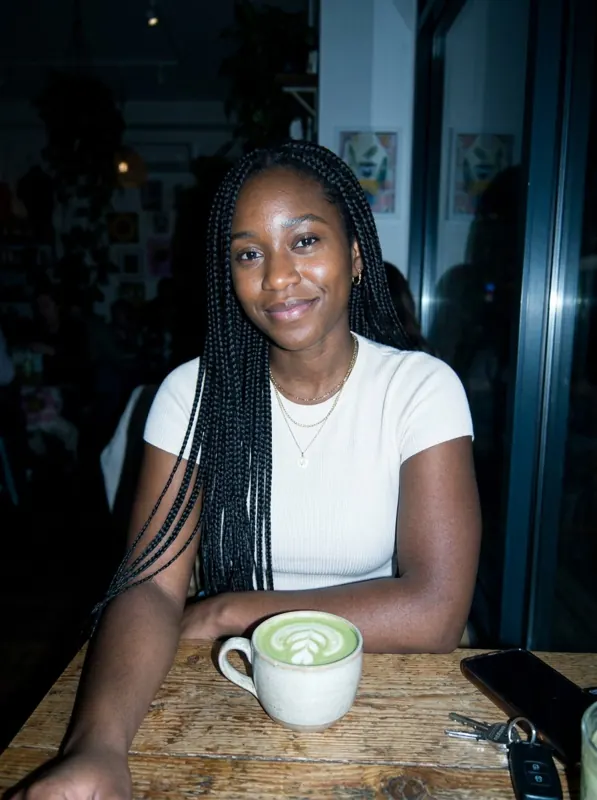
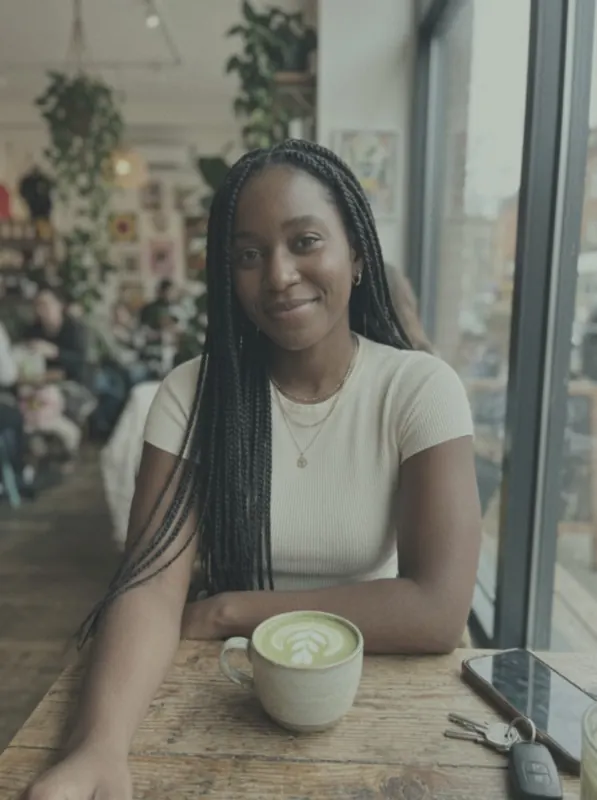 tapNIGHT FLASH

 tapGOLDEN HOUR
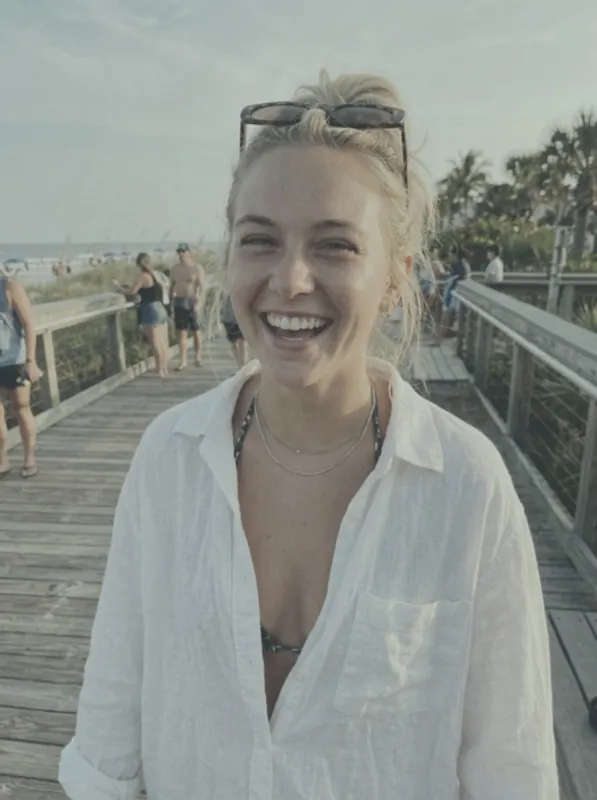 tapINSTANT PRINT
Pick your camera
Thirteen looks and counting: flash, film, golden hour, red light, booth strips and more.
Night flash Golden hour
 Warm film
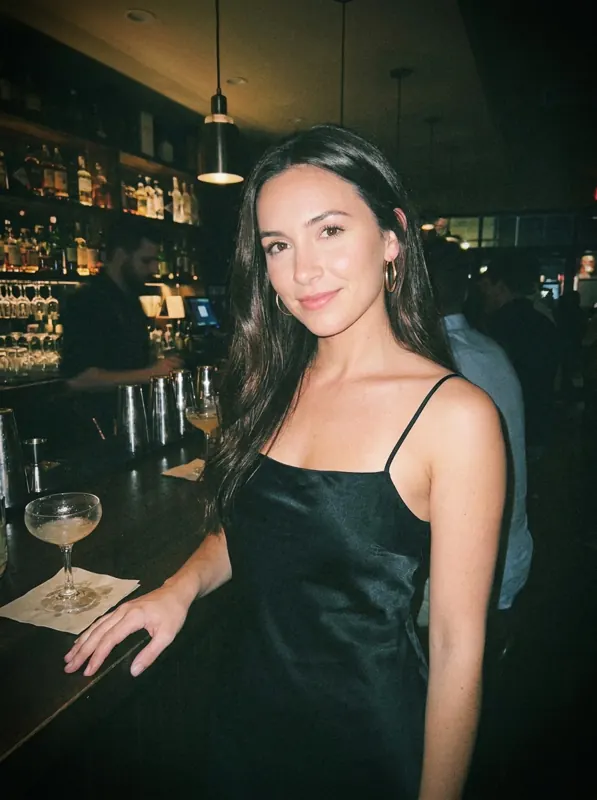 Disposable
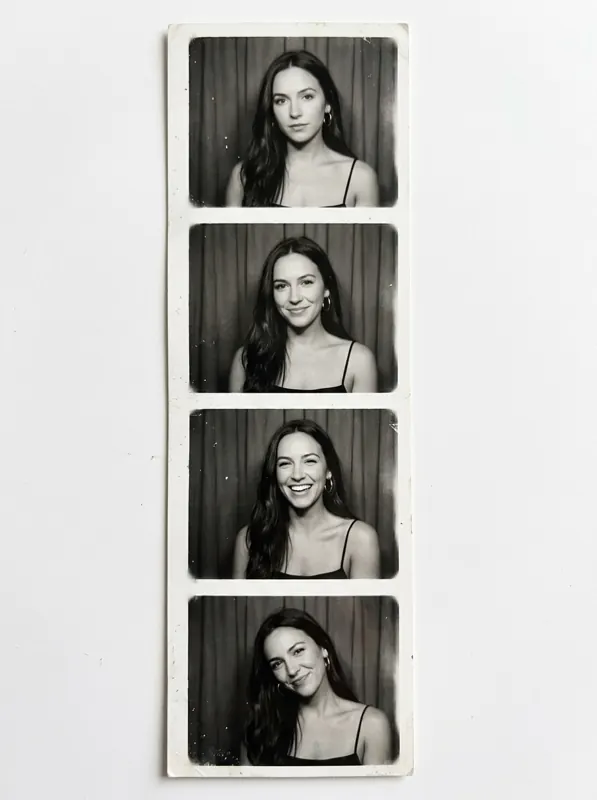 Photo booth
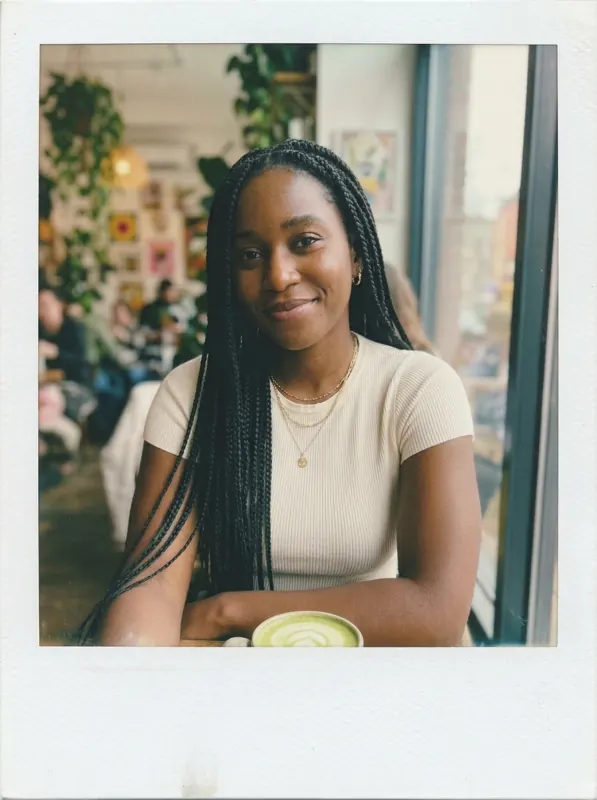 Instant print
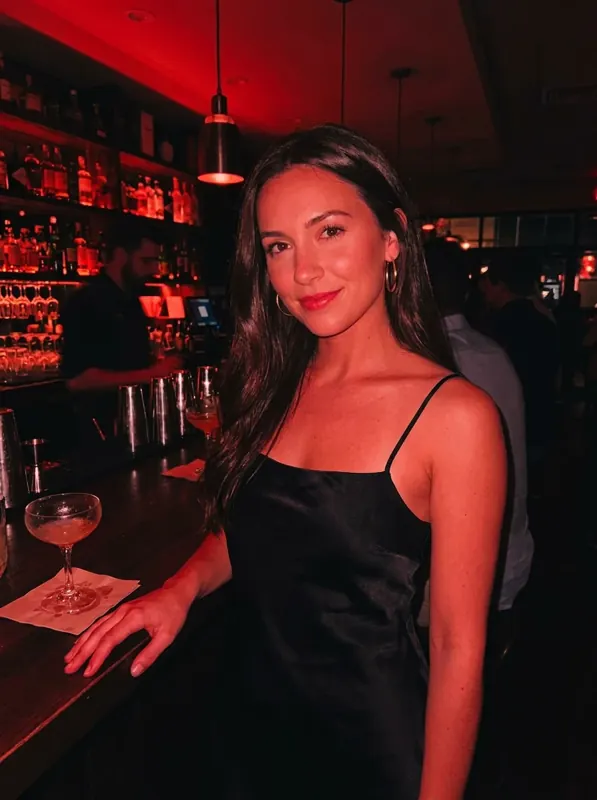 Red light
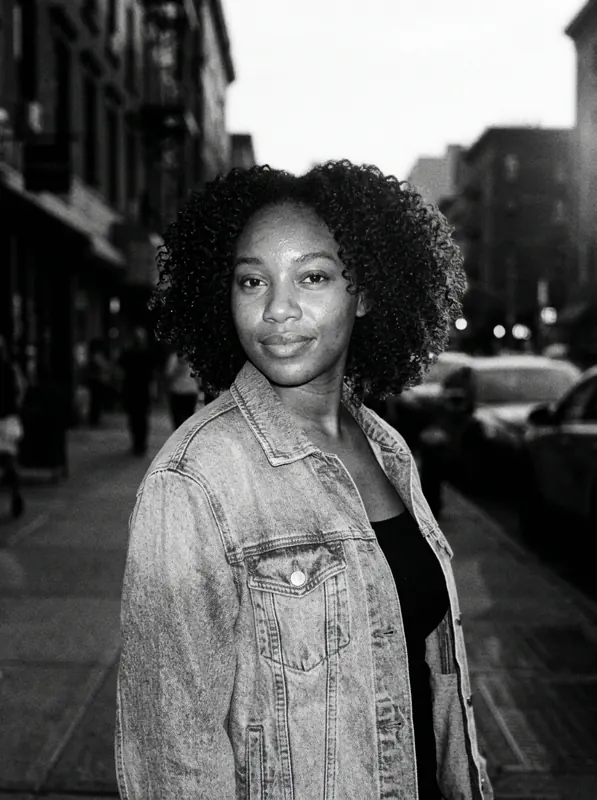 B&W flash
 Light leak
Made for your feed
Story-ready, saved straight to your camera roll. Post the look, not the filter.
💬
↗
💬
↗
💬
↗
Mockups for illustration. Every person on this page is AI-generated and was restyled with GlowPic's own looks.
Three taps
No presets, no sliders, no editing skills.
Pick a look
Night flash, golden hour, warm film, disposable, photo booth or instant print.
Add a selfie
Snap a new one or grab any photo already on your phone.
Save & post
Ready in moments. Straight to your camera roll, your story or your grid.
Questions
Do I need an account?
No. GlowPic works without a sign-up or an email address.
Is GlowPic free?
Downloading is free and the filters are free. The looks need a weekly plan: Plus (5 photos a day) or Gold (10 photos a day), with a lower price for the first week. Cancel any time in your App Store or Google Play account.
Will it still look like me?
Yes. Each look changes the light, color and grain, not your face, hair or outfit.
Can I use a photo from my camera roll?
Yes. Choose any photo on your phone, or take a new one.
Which phones does it work on?
iPhone with iOS 15 or later, and Android phones with Android 7 or later.
What happens to my photos?
The photo you pick is uploaded so it can be restyled, and the result is kept so you can find it in your Gallery. We don't sell your photos or use them for ads. Read the privacy policy.
Your next favorite photo is one tap away
No account needed · free filters included
Tell us anything
Found a problem or want a new look? Write to us.